
house

camera · house

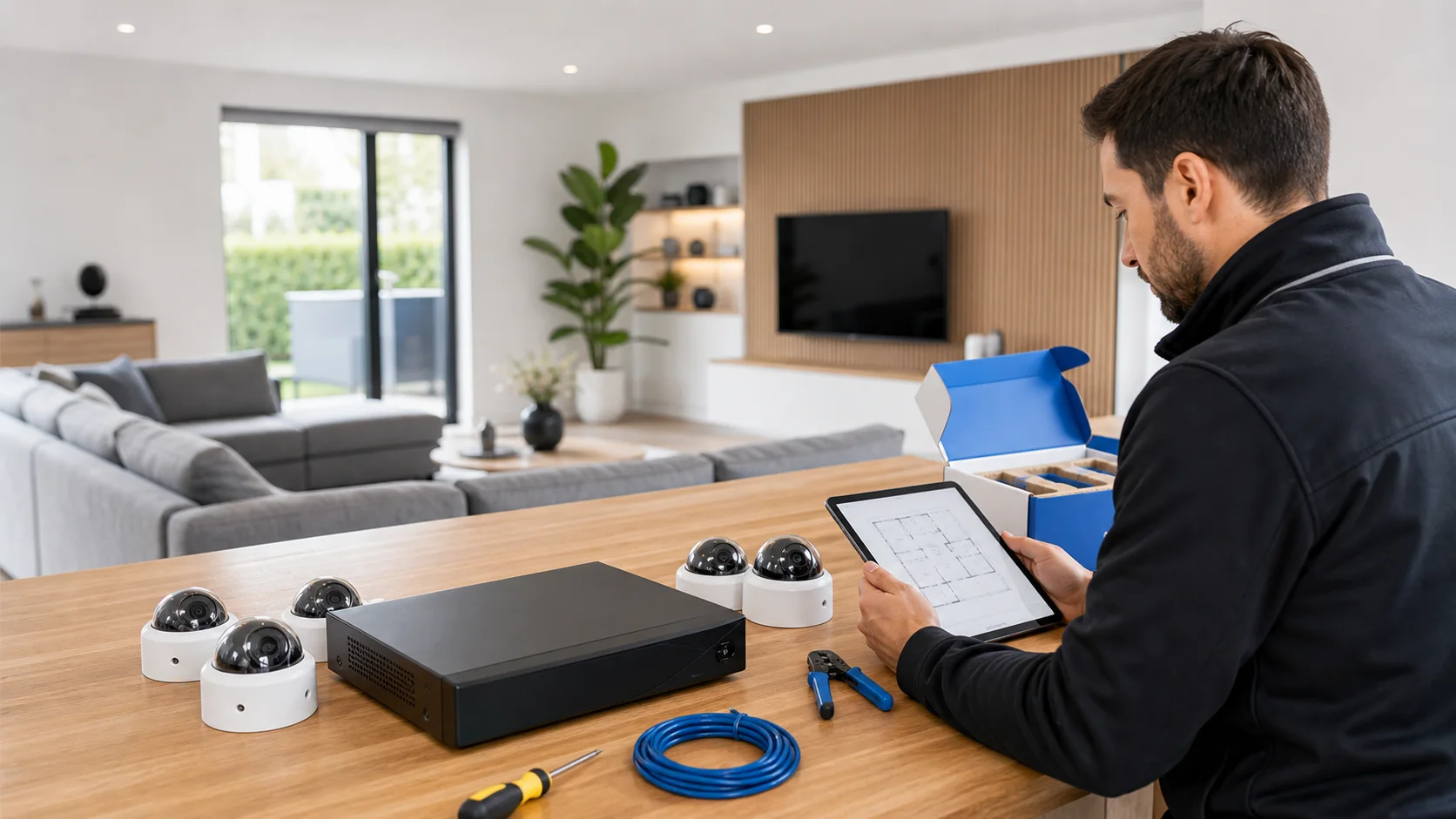
Replace the camera system in a house

Replace the camera system in a house. Focused on renewal, retain necessary recordings and check reusable cabling before the switchover.

IP Camera Installatie: More than 2,000 businesses helped. View our projects · Read customer reviews

Fixed price in advance Our own technicians 085 - 02 12 771
Camera system for a house

Prepare the work

Replace existing installation tailored to a house

Replacing an old camera system in a home begins with determining what is actually lacking. Perhaps only the recorder is defective, a camera provides insufficient detail, or the control is no longer usable. By identifying these problems, you can renovate them strategically and determine in advance which cabling, equipment, and recordings should be retained.

What we check and deliver

  • Demonstrate a shortage with an existing fragment.
  • Evaluate cables and power supplies for reuse.
  • Save the necessary recordings outside the recorder.
  • Agree to the interruption of camera coverage.
  • Compare the new result with the same situation.
01

Describe the shortage with a real recording

Find a clip that clearly shows why the current installation does not meet the requirements. An unrecognizable visitor may appear too small in the frame, move during prolonged lighting, or fall out of focus. Increasing the megapixels resolution does not solve all these issues. Let the clip be evaluated together with a photo of the mounting location, and clearly state what difference the replacement should provide.

02

Inventory what is behind the camera

Note the camera models, recording type, power supply, and the connections on both cable ends. A existing coaxial connection and a network cable require a different evaluation. Even with network cabling, condition and power supply options must match the new device. Determine whether reuse is demonstrably suitable for each component, rather than depreciating the entire installation based on age.

03

Secure important images before the switch

Determine which existing recordings are still needed and export them before storage is deleted or reorganized. Open an export on another agreed-upon device. Placing an old disk in a new recorder is not a reliable transfer procedure: initialization can erase data and the recording layout may differ. Keep the old equipment available until the required images have been verified.

04

Plan the period without recording

Arrange when the home temporarily has less camera coverage and which access should work again first. With multiple cameras, a phased switch can be practical, provided the equipment allows it. Take into account residents who work from home or need to use a door during installation. Also record who finishes old brackets, holes, and visible cable sections.

05

Transfer the control again

After the switch, check who becomes the administrator and which residents need access. Old connections on phones may still point to the previous recorder. Give new devices recognizable names and let each intended user actually look and search for them. Then determine which old accounts and shared access are no longer needed, so that two management situations do not unintentionally remain next to each other.

06

Compare the result with the original problem

Repeat the situation that prompted the replacement: the same route, similar lighting, and the desired distance. Evaluate the stored images, not only the live window. Also check whether previous usable features are retained. Note the remaining limitations and the final models in the property details; this will later be clear which parts have been truly renovated.

Our process

From planning to a working handover.

  1. 1

    Assess

    privacy around neighbors and public space

  2. 2

    Carry out

    Existing cables, power supplies, mounting points and accounts are checked before the old system disappears.

  3. 3

    Hand over

    You will get a modern solution with as little interruption as possible and the preservation of usable infrastructure.

Clear answers

Frequently asked questions

Do all cameras need to be replaced at the same time?

Not necessary. The cause of the problem and compatibility determine whether one part can be replaced. First, test a mixed combination to see if it works.

Do old recordings remain available on a new recorder?

You shouldn't assume that. Export the necessary images in advance and check the files before the old storage is disconnected or initialized.

Can the existing facade bracket remain in place?

Only as a mounting, if carrying capacity, sealing and camera setting are suitable for the new version. Equal dimensions on a photo prove otherwise.

When can the old system be replaced?

After the necessary images have been secured and the new recording, operation and user rights have been checked. Also agree on how data collected by the recording equipment will be handled.

Related solutions

Compare your next step.

All camera system solutions
AddedView →