
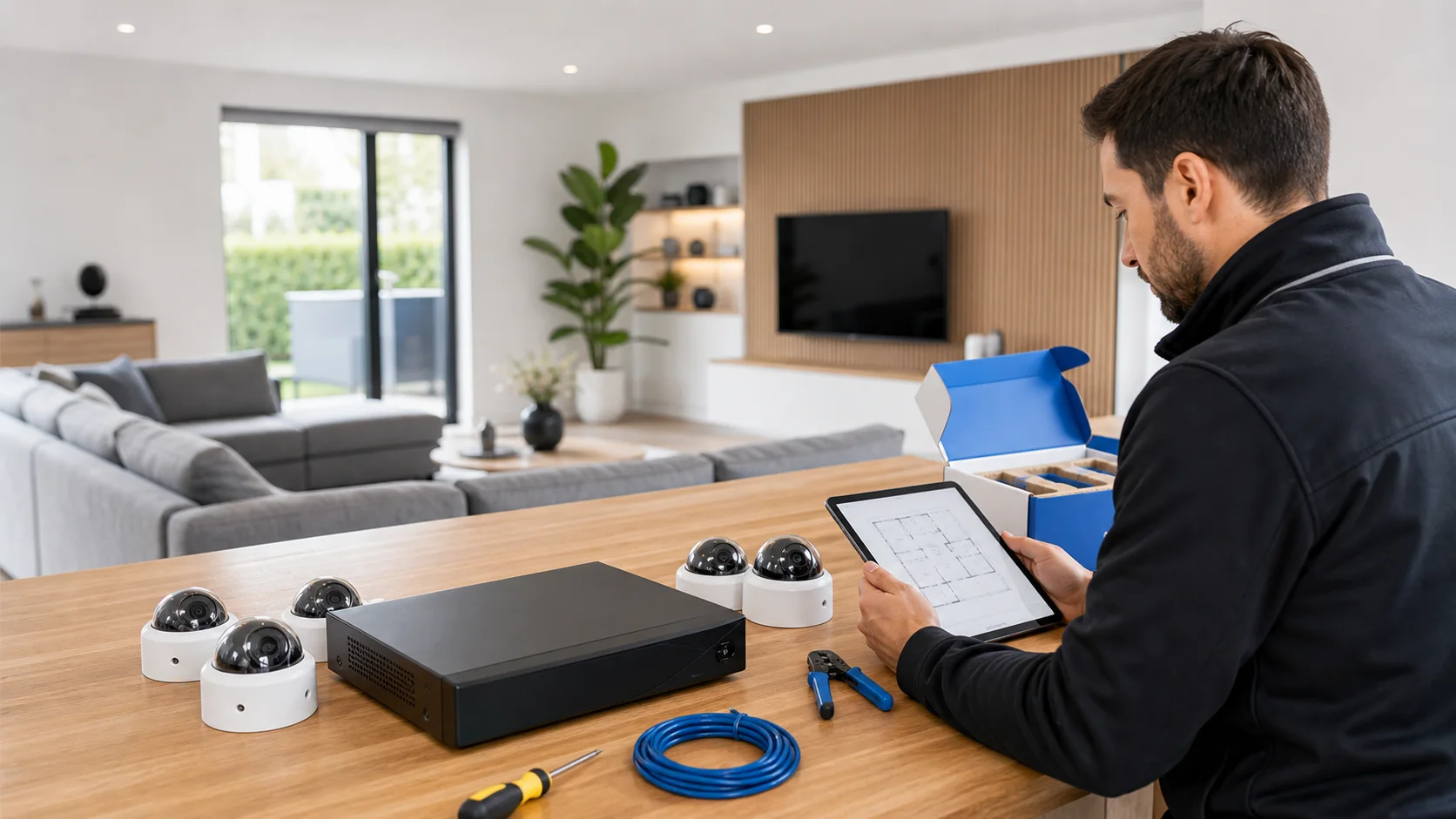
house

camera · house

Camera installation for a house

Camera installation for a house. Design the camera installation around access roads, cable finishing and the control by residents.

IP Camera Installatie: More than 2,000 businesses helped. View our projects · Read customer reviews

Fixed price in advance Our own technicians 085 - 02 12 771
Camera system for a house

Prepare the work

New installation tailored to a house

A camera installation in a home begins with a concrete choice: do you want to know that someone enters the yard, or should a visitor be recognizable recorded at the door? Those goals do not necessarily require the same position. A recording plan connects the desired images with the cable route, recorder location, and residents' control.

What we check and deliver

  • Record the target area per door and access route.
  • Discuss cable routing and finishing in advance.
  • Check recorder location for accessibility and ventilation.
  • Design viewing rights per resident where supported.
  • Search and export a new recording together.
01

Turn the map into an recording plan

Mark the front door, rear door, and the route from the street or garden gate. Write down for each location which event you want to be able to see later. Then take photos from possible mounting points at approximately the intended height. This allows an installer to assess whether the camera mainly provides an overview or whether the relevant action is captured sufficiently in detail. The number of cameras follows from that assessment.

02

View the cable route before the facade is drilled

In a residential property, the route must match the existing finish. Discuss where a cable may remain visible and which conduits are accessible. A short distance outside can still make it a difficult path to the recorder inside. Record for each camera where the connection enters and who is responsible for the finish. This way, the final installation will not be a surprise during the work.

03

Give the recorder and the power supply a suitable place

A recorder must be accessible for management and be able to ventilate according to the user manual. Therefore, do not automatically select the smallest available space in the meter cabinet. Check the power supply, network connection, and the ability to view recordings. Additionally, discuss how important images are taken when the recorder itself is no longer available; local storage alone does not yet describe the export procedure.

04

Evaluate neighbors and street from the sample image

Consider privacy around neighbors and public spaces when evaluating the viewing direction. First, draw the target area and then examine which environment appears unnecessarily in the frame. Another angle may be more practical than covering a large portion later. Have available shielding checked in the actual recording and request a separate assessment if the desired position has implications for shared terrain.

05

Let the household practice the usual actions

Assign a manager and determine which other residents may only view. Use separate access where supported instead of a single shared management account. Allow a resident to search for a time slot themselves and open a short recording. Also include the difference between a motion recording and a saved recording in the explanation: the absence of a phone call recording does not prove that nothing has been recorded.

06

Deliver with a recognizable walking test

Let someone follow the agreed route while the cameras are permanently mounted. Locate the passage on the recorder and on the normal viewing device. Also assess the lighting during the darkest operating conditions. Note what was tested for each position and keep the channel names with the map. When later pruning, painting or renovating, it will be visible which image was originally intended.

Our process

From planning to a working handover.

  1. 1

    Assess

    privacy around neighbors and public space

  2. 2

    Carry out

    After inventorying, we establish the cable route, components, scheduling, and fixed price before the technician starts.

  3. 3

    Hand over

    The installation is tested, documented and handed over to the users working on it.

Clear answers

Frequently asked questions

Does every facade of a house need to have a camera?

Not necessarily. The recording plan begins with events and entrances that you want to capture. Sometimes a focused position at one entry provides more usable information than multiple broad facade views.

Can the installation be done without visible cables?

This depends on the existing construction and accessible routes. Let each location determine which road into the house is possible and arrange the finishing work in advance; a general commitment does not suit every house.

Do all residents need the same appetizers?

No. Record who only views the images and who is allowed to change settings or users. The options must be checked in the app and the equipment chosen for the property.

How do I know that the installation is actually recording?

Search for a recently executed run test and open an export file on the scheduled device. Only a working live window does not show that storage, scheduling, and playback are correctly configured.

Related solutions

Compare your next step.

All camera system solutions
AddedView →