
house

camera · house

Expand home camera system

Expand home camera system. When checking an extra camera, not only check coverage, but also power supply, recording capacity and recording period.

IP Camera Installatie: More than 2,000 businesses helped. View our projects · Read customer reviews

Fixed price in advance Our own technicians 085 - 02 12 771
Camera system for a house

Prepare the work

Expand installation tailored to a house

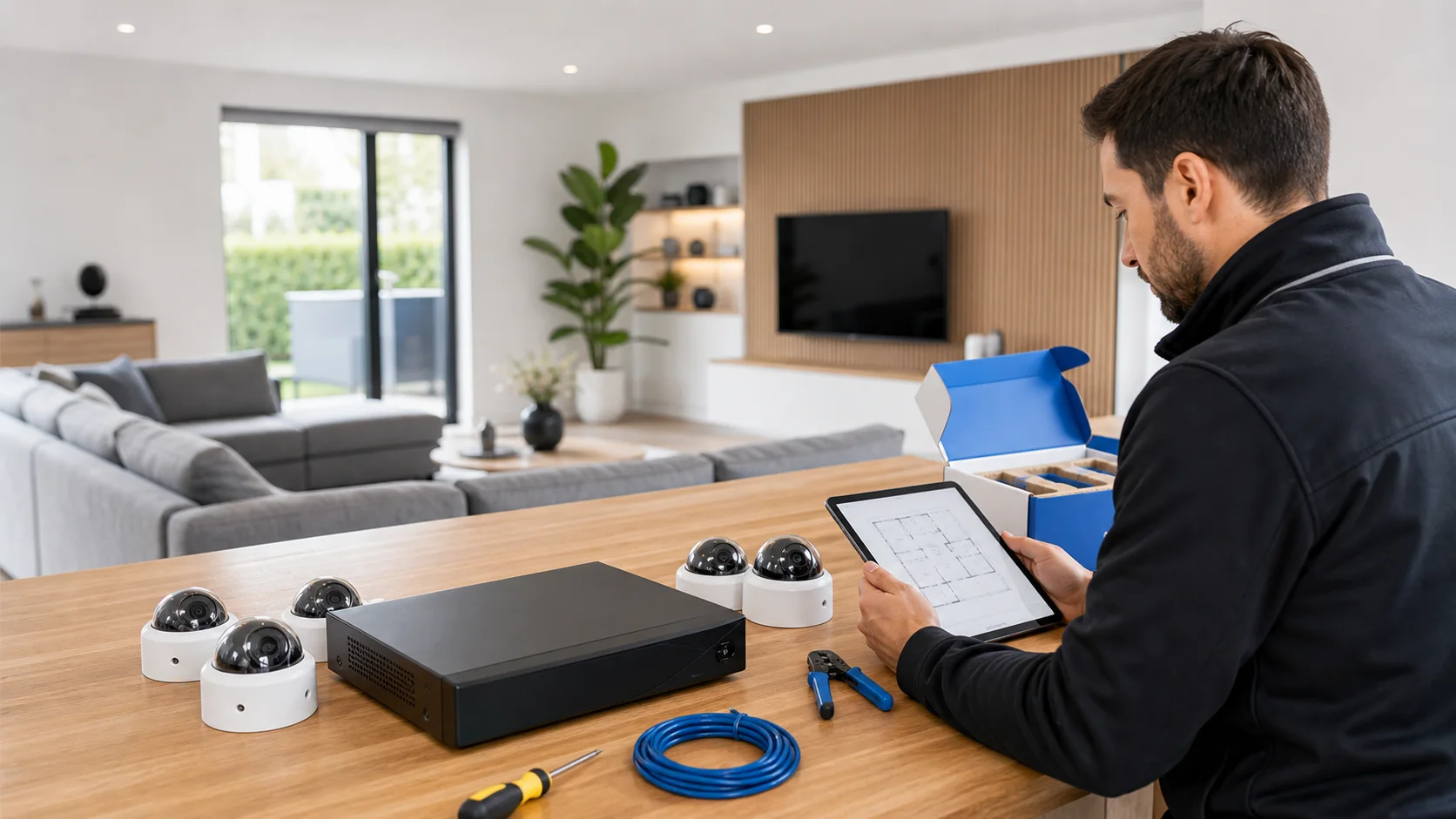
An extra camera in your home is worthwhile when there is a concrete spot that is missing: a new garden gate, extension or parking space that is out of sight. Start with that missing view. Then check whether the recorder, power supply, connection and storage can handle the extension without making the existing installation less usable.

What we check and deliver

  • Clearly indicate the missing passage.
  • Check channels, connection and power supply together.
  • Calculate the effect on the retrospective period.
  • Choose new viewing rights and notifications consciously.
  • Existing channels can be checked again after expansion.
01

Draw the new goal next to the current coverage

View on a map where existing cameras already have visibility and at which point information is missing. A second wide shot of the same garden may add less than a focused position at the gate. Create a test image from the new mounting location. Check whether vegetation, an open door, or a parked car can cover the intended passage.

02

A free channel is only one condition

Read the recording capacity, available connections and power specifications of the existing system. A free tile on the screen does not prove that every additional camera is supported. Take the chosen image format and the total load with you. With an external switch, it should also be clear how the new camera reaches the recorder and who manages that network connection.

03

Determine the consequence for the retrospective period

Using more recorded images will use extra storage. Compare the current usage with the desired expansion and discuss which viewing period is needed. The outcome depends, among other things, on stream settings and recording planning. Adding an extra camera without that control can mean that old recordings disappear earlier, even from cameras that have not been changed.

04

Find a route that respects the house finishing

During a garden expansion or addition, the cable route may be longer and more vulnerable than the distance indicated on the map. Discuss routing, visible conduits, and accessible connections. Determine whether preparatory work is necessary. Utilize the opportunity to document the existing connections so that the new cable does not end up as an unknown, standalone addition.

05

Also add the camera to everyday use

Choose a recognizable channel name and place the image logically in the overview. Determine which residents may see the new position and whether notifications are desired. A garden gate can require different notification times than the front door. Let the user search for a recording of exactly this new channel; a saved tile in the app does not yet indicate that the recording is properly set up.

06

Test the entire installation under the new load

Also check after adding the existing cameras for availability and recording. Perform a test while multiple channels are active and look again when night lighting is used. Record the expansion in the device overview and note the new storage expectation. This will keep it clear what changed if a malfunction or capacity issue arises later.

Our process

From planning to a working handover.

  1. 1

    Assess

    privacy around neighbors and public space

  2. 2

    Carry out

    The expansion is tailored to existing cabling, power, network, storage and user rights.

  3. 3

    Hand over

    New parts work as a whole with what is already present after delivery.

Clear answers

Frequently asked questions

Can there always be one camera included?

No. Free channels, supported cameras, recording capacity, and power supply must match together. Let those details be checked before a device is purchased.

Will my storage time be shorter due to expansion?

This can happen with the same storage. How much depends on the additional data flow and recording planning. Compare the actual usage before and after the change.

Can the extra camera be from another brand?

Sometimes, but check the concrete pairing and required features. Receiving live image is not the same as full support for detection, sound and control.

Does everyone have to see the new camera in the app?

You determine that per user and purpose. Check the available permissions and test with a regular viewing account, not exclusively with the management account.

Related solutions

Compare your next step.

All camera system solutions
AddedView →