
Protecting an IP camera from hackers: the settings that matter
Tips - 25 November 2026 · 5 min read

Protecting an IP camera from hackers: the settings that matter

You protect an IP camera with five steps: replace the default password, do not open a port in your router, install updates, give cameras their own network and switch on two-step verification for the app account. With those five in place, you close the entrances attackers use according to the Dutch intelligence services.

Protecting an IP camera from hackers: the settings that matter
In this article
  • How does a hacker get into your camera?
  • Which password goes where?
  • P2P, VPN or an open port: which is safe?
  • Why put cameras on a separate network?
  • How do you keep firmware up to date?
  • What does the EU require of manufacturers?
  • How can you tell that someone is watching?
At a glance

In short

In July 2026 the Dutch services AIVD and MIVD named three weak spots: default passwords, old firmware and default settings.
A forwarded port in your router makes the login page of your camera visible to anyone scanning the internet.
Since 11 September 2026 manufacturers must report actively exploited flaws within 24 hours under the European Cyber Resilience Act.

How does a hacker get into your camera?

It is rarely like the films. Programs run around the clock, working through the whole internet in search of devices that respond. A camera that can be reached directly often gives away its brand. After that, the well-known factory password is tried, or a flaw for which an update has long been available.

July 2026 showed that this happens in the Netherlands too. AIVD and MIVD reported that Russian hackers were breaking into internet-connected cameras on a large scale to follow military transport. A small number of cameras in the Netherlands were affected as well, used by companies among others. Getting in was often fairly easy, because the basics were not in order.

There is a second route: your account. If you use the same password for the camera app as for a web shop that was once breached, nobody needs to hack your camera. They simply log in.

Which password goes where?

Count on three different passwords: for the cameras, for the recorder and for the account in the app. Make them long, for instance four or five unrelated words, and keep them in a password manager. A sticker on the recorder or a message in the family chat is not a safe.

Use the administrator account only for changing settings. For everyday viewing, create a user with viewing rights only. If a phone is stolen, you withdraw that one user and everything else keeps working. The intelligence services also advise keeping viewing and administration separate.

Switch on two-step verification for the account you use to watch while you are out. Not every app offers it. If it is missing, at least secure the e-mail address you signed up with, because anyone with access to it can request a new password.

P2P, VPN or an open port: which is safe?

With port forwarding you open a door in the router to your camera or recorder. Anyone in the world can then reach the login screen. Do not do this. Also check that UPnP is off, on the camera and on the router, because it allows a device to open such a door by itself without you noticing.

With P2P the camera itself contacts a server run by the manufacturer and your app connects through it. No port is open. For an ordinary household that is a workable choice, provided the account is well protected. You do rely on the manufacturer’s service. A 2025 advisory for organisations by American and allied services goes further: switch off P2P as well if you do not need it.

The strictest solution is a VPN on your router. Your phone first makes an encrypted connection to your home or business network and only then opens the camera. It takes more setting up, and if the VPN fails you have no picture while away. For businesses and sensitive sites it is worth the effort.

Why put cameras on a separate network?

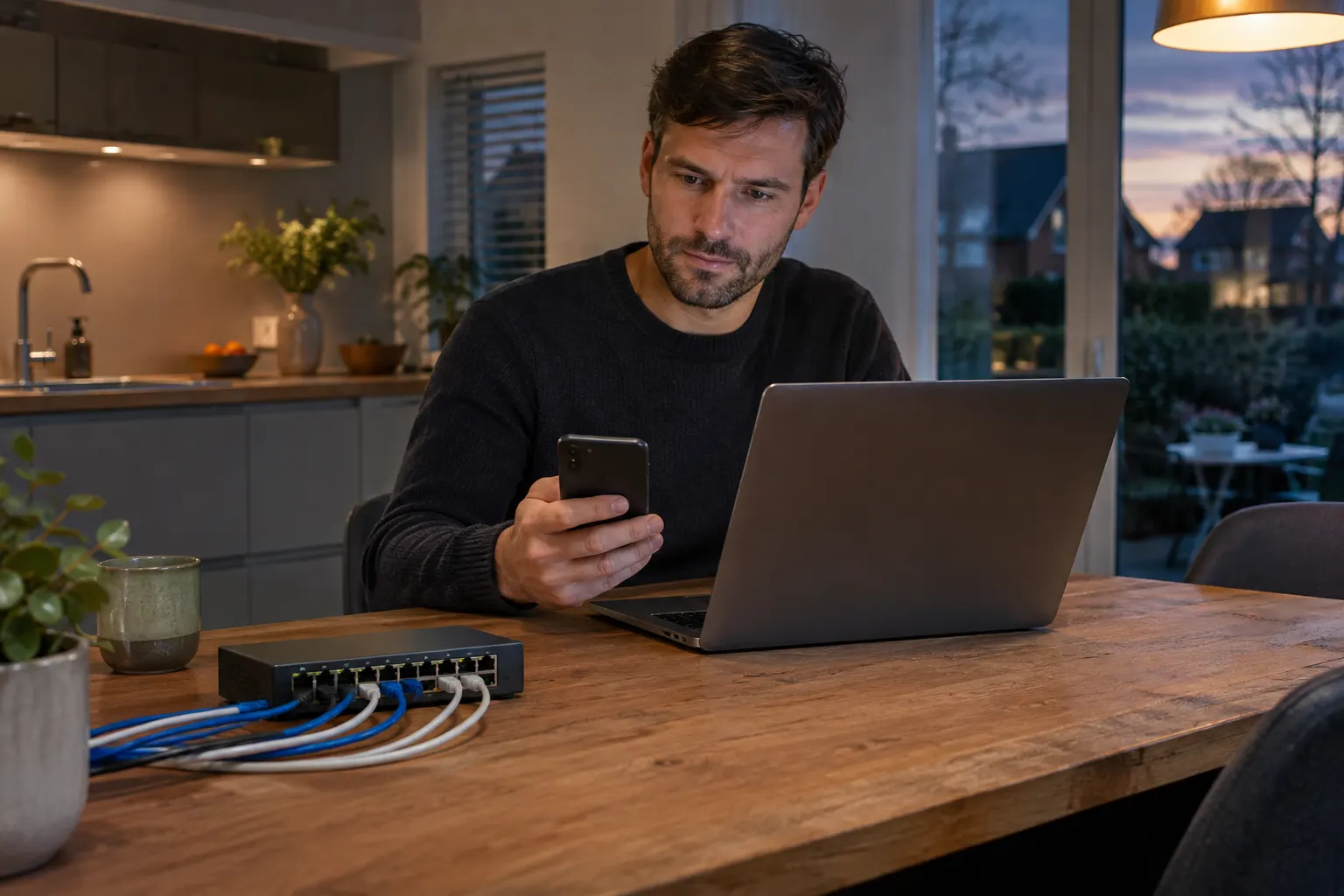
A garden camera hangs outside on a network cable. If that cable is on the same network as your laptop and your accounts, an unplugged connector is an entrance. With its own network segment, a VLAN, a device in the camera section cannot reach the rest.

At home you do not always need a VLAN. Recorders with built-in PoE ports often already give the cameras their own small network behind the recorder. Separate Wi-Fi cameras can go on the guest network of your router. Do test afterwards that the recorder and the app can still see them, because many guest networks keep devices apart from each other.

How do you keep firmware up to date?

Pick two fixed moments a year, such as when the clocks change. Check in the app or on the manufacturer’s website whether there is an update for your exact model. Back up the settings first, make sure the power cannot fail and check afterwards that every camera is recording again.

Never download firmware from a forum or an obscure download site. When buying, ask how long the model will receive security updates. A camera that no longer gets updates and is still connected to the internet is better replaced, or taken off the internet completely.

What does the EU require of manufacturers?

Since August 2025 European cybersecurity requirements apply to certain wireless devices under Regulation 2022/30. A Wi-Fi camera that can connect to the internet generally falls within it. A camera with only a network cable does not, because it is not radio equipment.

The Cyber Resilience Act is broader and also covers wired products with software. Since 11 September 2026 manufacturers must report actively exploited flaws, including for products already sold. Most of the law applies from 11 December 2027. Note that neither rule changes the password on your recorder. That remains your own job.

How can you tell that someone is watching?

Watch for login alerts you do not recognise, a user you did not create, a moving camera that turns by itself or settings that have suddenly changed. Nearly every recorder keeps a log in which you can find logins with the time.

If something seems wrong, unplug the internet cable of the recorder first. Save the log, reset the devices to factory settings, update them and set everything up again with new passwords. Change your e-mail password too. Breaking into a device is a criminal offence, so you can report it to the police.

Frequently asked questions

Is a wired camera safer than a Wi-Fi camera?

The cable prevents someone getting in through your Wi-Fi or jamming the signal. For access over the internet it makes no difference: a wired camera with an open port and a weak password is just as vulnerable.

Does changing the port number help?

Hardly. Scanning programs check every port and find the camera anyway. A different port number does not replace a VPN, a strong password or an update.

Can a camera work without any internet?

Yes. A recorder keeps recording when it is not connected to the internet. You then miss alerts and remote viewing, and you need to keep an eye on the clock and updates yourself.

How often should I change my camera password?

With a unique and long password there is no need to do so every month. Do change it straight away after moving house, when an employee leaves, when a phone is lost or when a service reports a breach.

Sources

What this information is based on

AIVD and MIVD on hacked IP camerasNews item of 10 July 2026 on the method used and the security advice (Dutch).Dutch government
Measures for IP camerasJoint advisory AA25-141A, including VPN, MFA, UPnP and P2P.CISA
Cyber Resilience ActEuropean Commission on the reporting duty from 11 September 2026 and later dates.European Commission
Radio Equipment Directive and cybersecurityRegulation 2022/30 and its repeal on 11 December 2027.European Commission, RED
Get help

Let us take a look

Send us your situation or call us directly. We help with cameras, alarms, the app and installation.

Request a quote
AddedView →