
Camera storage: NVR, SD card or cloud?
advice - 6 min reading time

Camera storage: NVR, SD card or cloud?

Recording is just as important as watching live. Choose storage based on playing back recordings, security, number of cameras and management.

Camera storage: NVR, SD card or cloud?
In this article
  • Why storage is so important
  • NVR: the solid foundation for camera systems
  • SD card: handy, but with limitations
  • Cloud storage and cameras per month
  • How long do you have to keep it?
What you can count on

In short

An NVR is strong for multiple cameras and local viewing.
SD cards are compact, but more vulnerable to theft or damage.
Cloud and remote management are especially useful for convenience and support.

Why storage is so important

Many people first look at camera resolution, but storage determines whether you can later prove something. Watching live is convenient, but in incidents you want to be able to look back: when did it happen, which camera saw it, and how long will the footage remain available?

Therefore, we always discuss recording during advice. It matters whether you only want to view notifications, want to record continuously, or want to store images for several weeks. That choice determines the recorder, storage space, and sometimes also the type of camera.

NVR: the solid foundation for camera systems

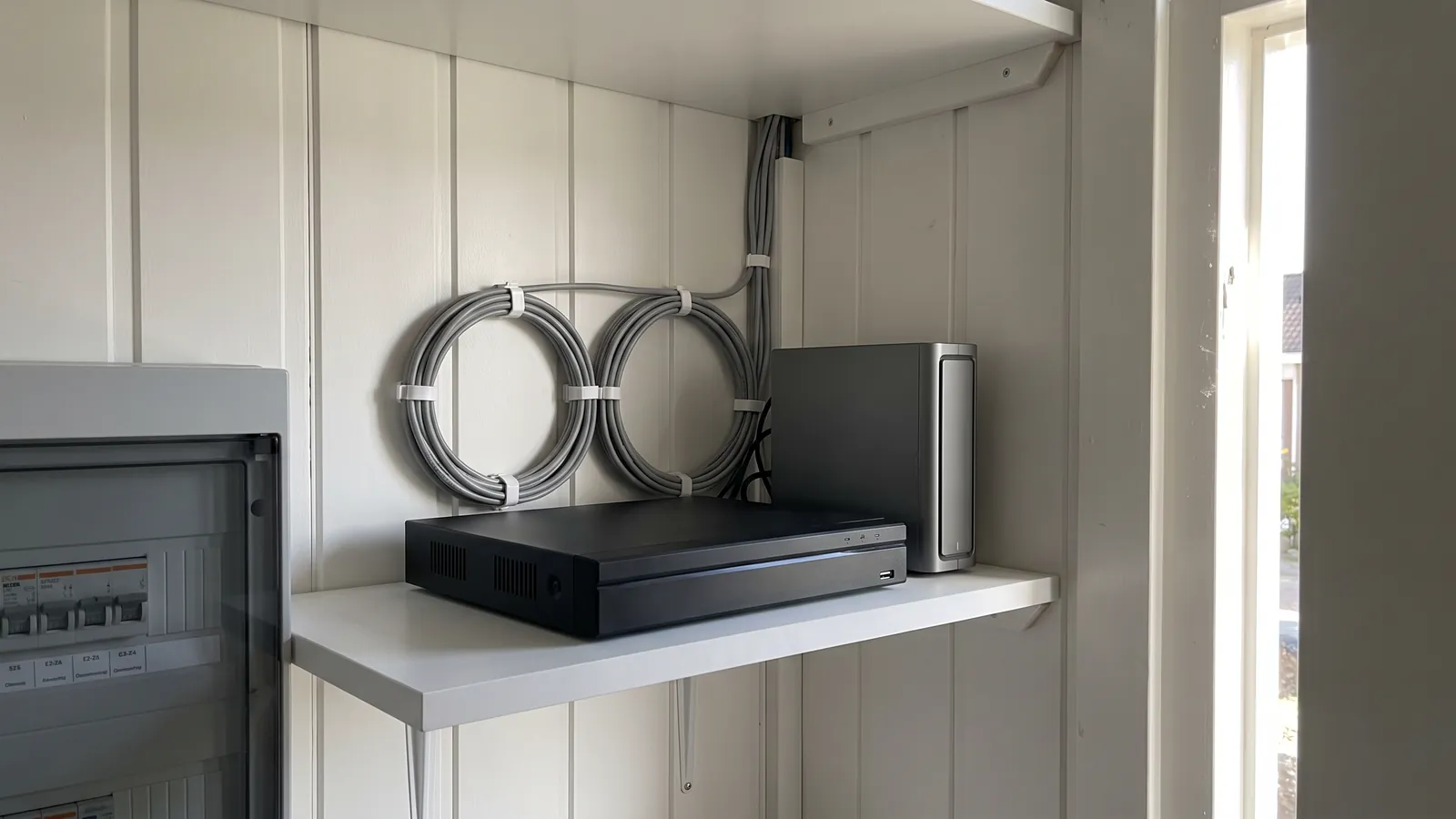
An NVR is a network video recorder. Cameras capture footage centrally, usually on a hard drive. This is clear with multiple cameras, because you can manage everything in one place and easily review everything by camera.

For homes with three or more cameras and for businesses, an NVR is often the most logical solution. The system continues to run locally and is not fully dependent on cloud subscriptions. With the right settings, you can still watch live and search back via the app.

SD card: handy, but with limitations

Some cameras can record on an SD card in the camera itself. That can be fine for a single standalone camera or as a backup. The installation is compact and you don't need a separate recorder.

The downside is vulnerability. If the camera is stolen or damaged, the recording may also be lost. Additionally, the storage capacity is limited, and managing multiple cameras is less convenient. Therefore, for serious security purposes, we usually do not use SD cards as the sole storage medium.

Cloud storage and cameras per month

Cloud storage or remote management can be interesting when convenience is important. You then want to manage less yourself and get faster help with app access, notifications, or settings. This suits customers who want to use their system but do not want to maintain it technically.

Be careful about privacy, costs, and dependence on the internet. Cloud is not automatically better than local. The right choice depends on usage, risk, and how much support you want.

How long do you have to keep it?

For home use, a shorter storage period is often sufficient, for example several days to two weeks. For stores, hospitality or commercial properties, longer storage may be preferable, depending on policy and privacy regulations.

We charge storage based on the number of cameras, resolution, frames per second, and recording format. This way, you can prevent your recorder from filling up too quickly or being performed too heavily.

Advice for your situation

Every home and every business property is different. That is why we always look at viewing angles, cable routes, network, recording preferences and who needs access to the app.

A good preparation starts with three questions: what exactly do you want to be able to see, when do you want to receive a notification and how long do you want to be able to watch the videos?

Frequently asked questions

Can I do this myself?

That can be done, but with professional advice you can avoid many problems with assembly and adjustment.

What items do I need?

That depends on location, network, desired recording and notifications.

Can you install this?

Yes. We deliver, assemble, install the app and test the system together with you.

Get help

Let us take a look

Send us your situation or call us directly. We will help you with cameras, alarm, app and installation.

Request an offer
AddedView →