
Security camera offline: what can you check?

Disruptions and settings

Security camera offline: what can you check?

Is your security camera offline? Identify app, network, and power issues, check local recordings, and prepare a targeted outage report.

IP Camera Installatie: More than 2,000 businesses helped. View our projects · Read customer reviews

Fixed price in advance Installation on site Prefer to talk first? 085 - 02 12 771
Security camera offline: what can you check?
Home›Services›Security camera offline: what can you check?

What is included

Determine whether the camera, recorder or only the app is unreachable

Being offline in an app does not always mean that the camera has stopped recording. The connection to the outside may have been lost while the recorder is processing locally. Conversely, a single faulty cable can turn off a camera while the rest remains online. Therefore, begin by determining where the image is missing and since when the problem has occurred.

  • Note whether one camera or the entire system is offline
  • Compare local images with viewing through mobile internet
  • Visually check power and accessible cable connections
  • Record the date of router change or power outage
  • Sharing error message and model number without passwords
01

Step 1: check the local image

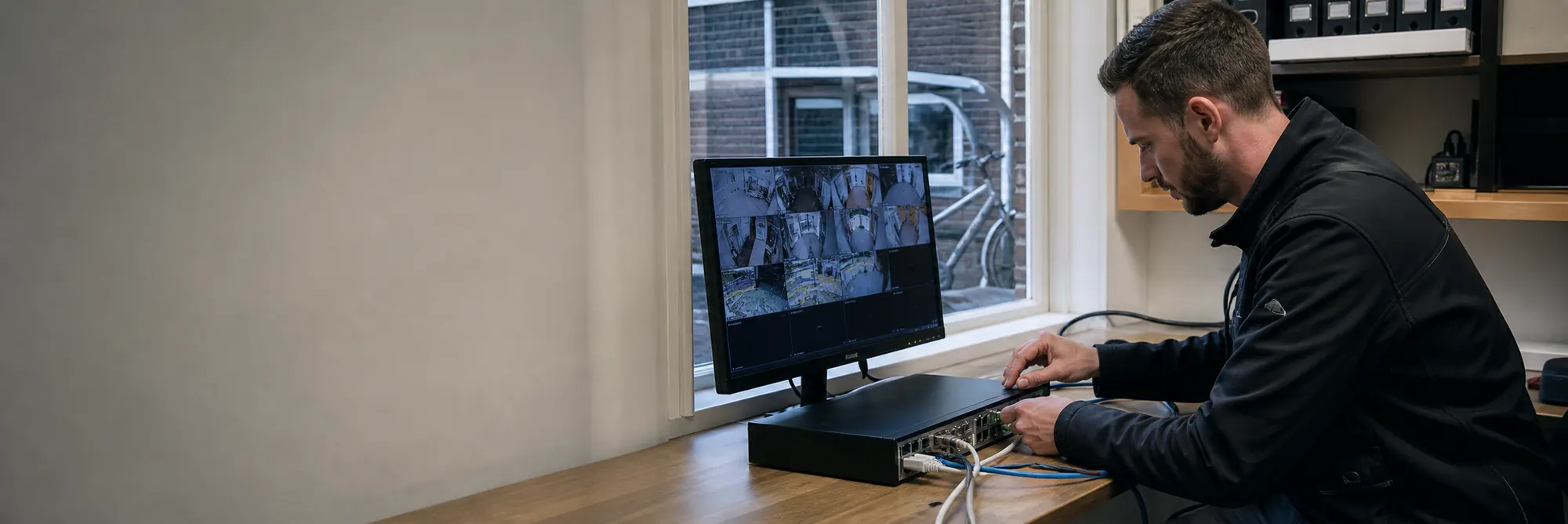
If the recorder has an attached screen, check whether the camera is visible in real time there. Also check whether new recordings can be found. If this works locally, the problem may be with the internet, the app, or external access. If the same camera is also missing locally, first investigate the camera, connection, and power supply.

02

Step 2: compare one channel with the entire system

If one camera fails, note whether it happens only in the dark, for example. This can indicate a power or connection problem, but does not yet prove the cause. If all cameras fail simultaneously, then look at shared components such as the switch, recorder, and power supply. Do not use an unknown adapter and do not open waterproof outdoor connections for a quick test.

03

Step 3: see what has recently changed

A new router, changed Wi-Fi password, or modified network settings can interrupt existing access. Note that change and the exact error message. Do not randomly change IP addresses or port forwarding rules. A factory reset can remove the current configuration and make the investigation even more difficult.

04

When a technician or support helps

Prepare model numbers, affected cameras, and the results of the local inspection. This allows us to more accurately determine whether remote investigation is worthwhile or if on-site mounting, cable, or power supply needs to be inspected. Share access exclusively through an agreed-upon procedure. After restoration, we will check the live footage and a new recording.

Regional coverage

Security camera offline in your area

We also travel throughout the Netherlands for help with an offline security camera. Choose a city to see how we plan an installation there.

View service area →

Clear answers

Frequently asked questions

Does my camera still record if the app shows it's offline?

That's possible. Check the local recorder for live footage and recent recordings. The notification in the app alone does not tell whether the recording function is still working.

Do I have to reset my offline camera immediately?

Start with nutrition, connection, and local image control. A reset may erase settings and is only meaningful if the consequences and recovery steps are clear.

Why does my camera only fall away at night?

Night operation can change the power supply tax. Other causes are also possible. We check the power, cable routing and failure moment before replacing parts.

AddedView →