
Alarm system maintenance

Alarm systems

Alarm system maintenance

Alarm system maintenance: every zone tested, batteries replaced, connection and users checked. Also for an existing Ajax alarm installed by someone else.

IP Camera Installatie: More than 2,000 businesses helped. View our projects · Read customer reviews

Fixed price in advance Installation on site Prefer to talk first? 085 - 02 12 771 WhatsApp
Alarm system maintenance
Home›Services›Alarm system maintenance

What is included

Knowing that the alarm still does what it did at handover

An alarm that never goes off can mean two things. Nothing is happening, or it no longer works. From the outside you cannot see the difference. During a maintenance visit we therefore make every detector respond at least once. We go through the batteries, check the connection and remove old users. After that you know where you stand.

  • Every zone tested individually, from the front door to the shed
  • Batteries checked and replaced during the visit where needed
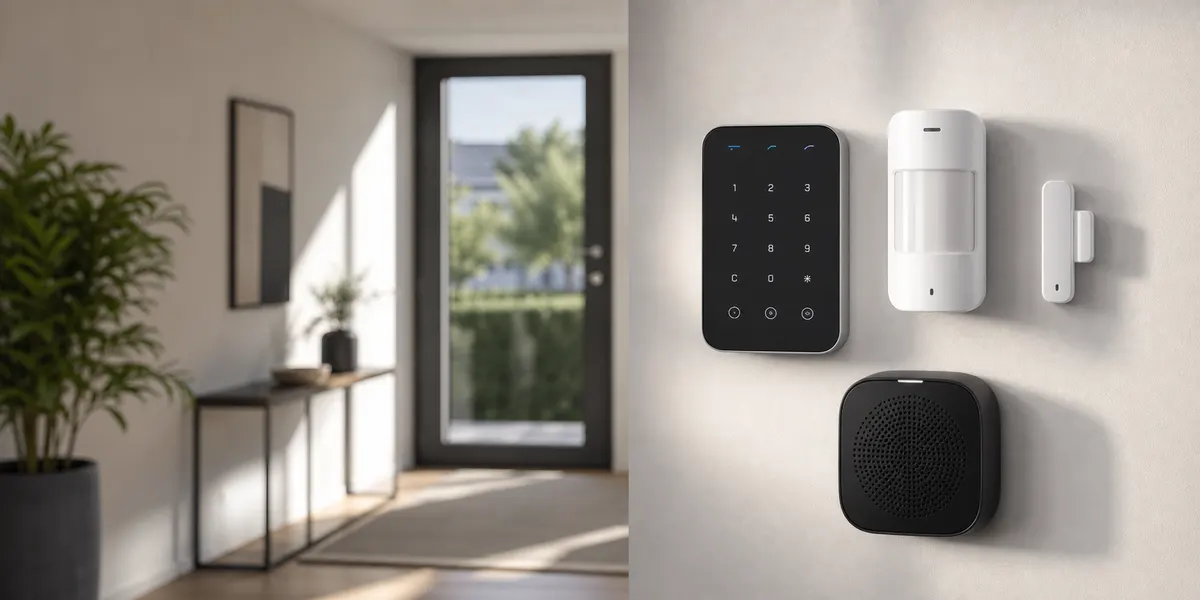
  • Siren, keypad and tags inspected
  • Signalling over the network and mobile checked separately
  • A list of deviations with advice for each point
01

Triggering every detector once

A green tick in the app says a detector is in contact with the hub. It does not say that it sees anyone. After a renovation there may be a cupboard in front of a motion detector, or a door may have dropped so the magnet sits too far from the contact. We put the system into test mode, walk through the space and open every door and window with a contact. For glass break and smoke we use a test method that suits the type. Anything that responds late or not at all goes on paper with its location. Afterwards you have a result for each zone.

02

Batteries on time, not all at once

Wireless detectors do not all use the same amount of power. A contact on the front door works dozens of times a day, the one on the attic window almost never. An outdoor detector in the cold runs out sooner than the same one in the hallway. We read the level of each detector and look at its age. If you like, detectors that will soon be due are done in the same round. The battery in the hub and the one in the outdoor siren also wear out. You only notice when the power fails, and that is a bad time to find out.

03

The route to your phone or monitoring centre

A howling siren has little point if nobody gets a message. So we unplug the network cable and see whether the signal gets through over the SIM card. Then the other way round. An expired data bundle, or a new router into which nobody plugged the hub’s cable again, is more common than you might think. If the alarm is connected to a monitoring centre, we tell them beforehand that we are testing. After the test you check with us whether the right address and the right zone came through. Contact numbers are part of this too, because they go out of date faster than any sensor.

04

Cleaning up users, tags and rights

Open the list of users in your app for once. Are the former tenant, the previous manager or the contractor from two years ago still on it? Then they can still arm the system or look at it. We go through the list with you and revoke what can go. Lost tags are removed. The owner account should be in your name and not only in that of an installer. For maintenance we need limited access, and you can withdraw it yourself. For a business we record who keeps this up to date between two visits.

05

What you can do in the meantime

You do not have to wait for a technician. Once a month, with the alarm armed, walk into a room after telling the people you live with and any monitoring centre. Dust detectors with a dry cloth and never spray cleaner into the housing. Do not leave cobwebs in front of an outdoor detector. If you get an alert about a battery, tampering or connection, do not just swipe it away. Write down which detector it is and how often it happens. With those details we can search more precisely. If you move furniture or hang a curtain, check that the detector still has a clear view.

06

Also for a system installed by someone else

If someone else installed your Ajax, we start with an inventory. We look at the type of hub, the software version, the detectors and above all who holds the management rights. Without the owner’s access we cannot set anything up, and that is as it should be. With other brands it depends on the control panel and whether parts are still available. If a system has had its day, we say so. Sometimes a new hub with reused detectors is possible, sometimes replacement is cheaper than hunting for an old battery pack.

Regional coverage

Alarm system maintenance in your area

We also travel throughout the Netherlands for alarm system maintenance. Choose a city to see how we plan an installation there.

View service area →

Clear answers

Frequently asked questions

How often does an alarm installation need maintenance?

A yearly check is a common rhythm. After a renovation, a new router or a change of users, an extra test is sensible. Also check what your policy or contract asks for.

Does a wireless Ajax alarm also need maintenance?

Yes. The system itself reports a low battery or lost connection, but not that a cupboard is in front of a detector or that a former employee still has access.

Do you replace every battery during the visit?

Only where it makes sense. We look at the level and use of each detector and discuss what we do straight away. Replaced batteries are listed separately.

Can you maintain an alarm installed by another company?

Often yes with Ajax, as long as you as the owner can give us access. With other brands we first assess the panel and the availability of parts.

Will the siren sound during the check?

Briefly, because that has to be tested too. We agree a time, and you can send the neighbours a message beforehand.

AddedView →