
Combining cameras with Ajax alarm
advice - 5 min reading time

Combining cameras with Ajax alarm

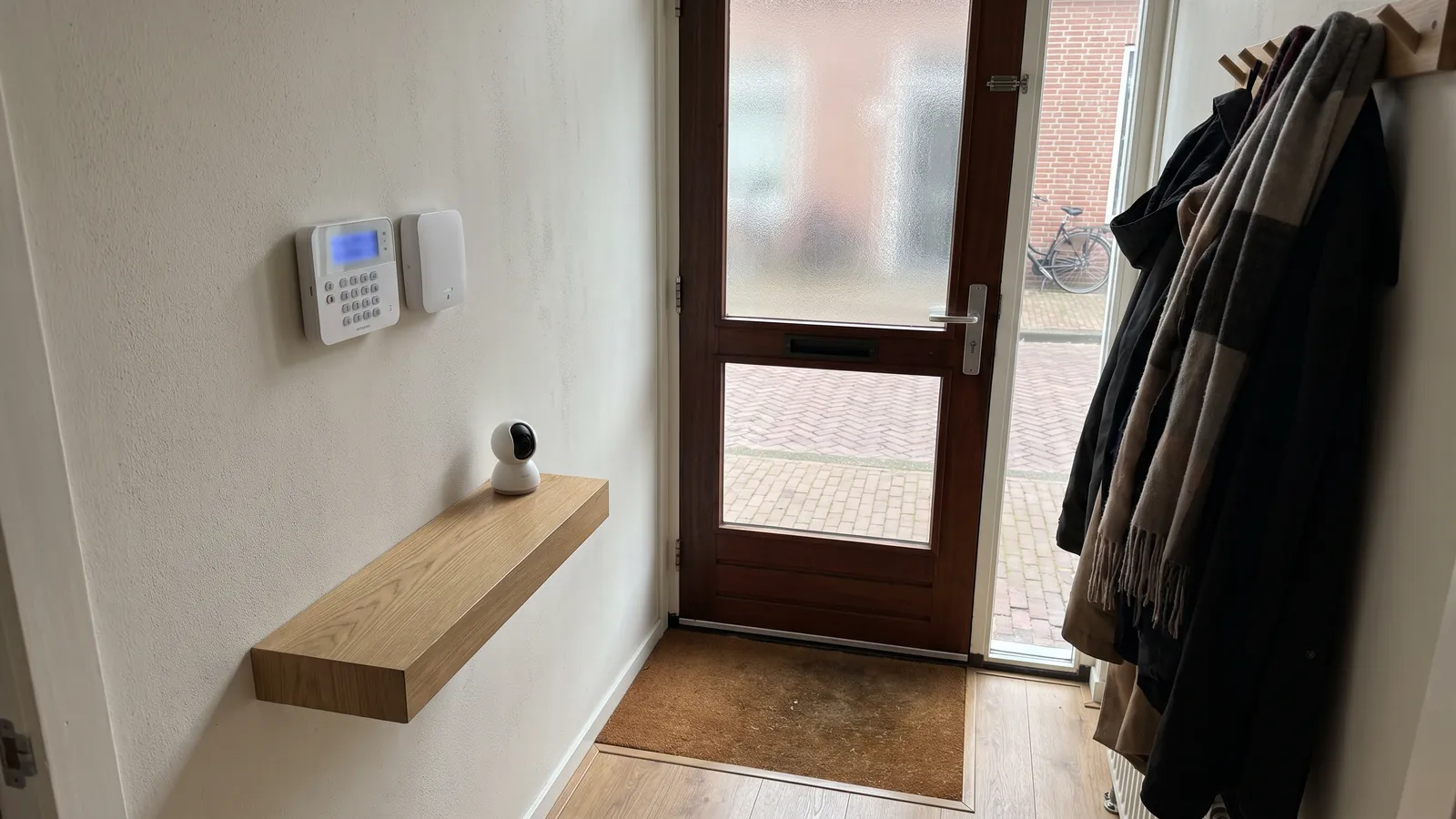
Cameras show what is happening. An alarm system reacts immediately. Together they provide more control than individual security.

Combining cameras with Ajax alarm
In this article
  • Why camera and alarm complement each other
  • Ajax alarm as a basis for direct notifications
  • Avoid overlap in design
  • Users and notifications
  • When combining is smart
What you can count on

In short

Alarm detects immediately, cameras provide verification.
Designing together prevents double or missing coverage.
Good notifications and clear user rights are essential.

Why camera and alarm complement each other

Cameras and alarm systems have different tasks. A camera shows what is happening and captures images. An alarm responds immediately to opening, movement, smoke, or sabotage. Together they provide more security than one of them alone.

When you receive an alarm notification, you want to be able to check what is happening. Cameras then help to see whether it's a real situation, a forgotten window, a pet or something else. That makes responding calmer and more focused.

Ajax alarm as a basis for direct notifications

An Ajax system can monitor doors, windows, movement, and smoke. You receive a quick notification via the app and can manage zones separately. For homes and small businesses, that is clear and flexible.

Cameras add visual control. For example, at the front door, driveway, garden, or company entrance. This way, you not only see that something is happening, but also what is happening.

Avoid overlap in design

Without a plan, you will quickly place too many sensors or cameras in the same location, while other zones remain open. That's why we look at routes: how does someone get inside, where do you want to be notified immediately, and where do you want to see the footage?

Sometimes a contact sensor is better than an extra camera. Sometimes a camera is actually needed because you want proof later on. The best system combines both logically.

Users and notifications

In a family or business, not everyone needs the same rights. One user may be allowed to operate the alarm, while the other only needs to receive alerts or view cameras. We will arrange that separately.

Notifications should also remain calm. If a system warns unnecessarily too often, it will be ignored. Good zones, clear names, and explanations at delivery make a difference.

When combining is smart

Combining is especially interesting if you want more than just looking back. If you want to know immediately that something is happening and be able to check what is going on, alarm with cameras works very well together.

We will assess each situation to determine whether you should start with cameras, alarms, or both. This way, you can build a system that fits your risk, home or business, and budget.

Advice for your situation

Every home and every business property is different. That is why we always look at viewing angles, cable routes, network, recording preferences and who needs access to the app.

A good preparation starts with three questions: what exactly do you want to be able to see, when do you want to receive a notification and how long do you want to be able to watch the videos?

Frequently asked questions

Can I do this myself?

That can be done, but with professional advice you can avoid many problems with assembly and adjustment.

What items do I need?

That depends on location, network, desired recording and notifications.

Can you install this?

Yes. We deliver, assemble, install the app and test the system together with you.

Get help

Let us take a look

Send us your situation or call us directly. We will help you with cameras, alarm, app and installation.

Request an offer
AddedView →