
Apartment

camera · Apartment

Camera system: adjust settings for an apartment

Camera system: adjust settings for an apartment. Make a distinction between continuous recording, event recording, and notifications on the phone.

IP Camera Installatie: More than 2,000 businesses helped. View our projects · Read customer reviews

Fixed price in advance Our own technicians 085 - 02 12 771
Camera system for an apartment
Home›Solutions›Camera system›Apartment

Prepare the work

Adjust settings tailored to an apartment

Adjust settings for an apartment starts with the parts that need to change. A complete camera installation connects sightlines, recorder, storage, network and control into one working system.

The own front door and shared entrance have different responsibilities. We include Coordination with the landlord or VvE and reuse of wiring in the assessment and agree on the work with residents.

What we check and deliver

  • Compare live image with a saved fragment of the same action.
  • Test the darkest zone separately from the image in daylight.
  • Check who can view images and who can change settings.
  • A camera positioned high below the roof edge provides an overview; for facial detail, a lower, more focused position is often needed.
  • Agree on the work with residents.
01

Adjust settings at an apartment

Please distinguish between your own home and common areas in advance. For work on a shared entrance or cable route, coordination with the appropriate management authority is required. Include existing connections before a proposal assumes free access to a shaft or meter box. For adjust settings, we first discuss Coordination with the landlord or VvE and reuse of wiring with residents. The desired control determines which settings are needed. The most important choice is not the brand, but which detail per zone must be demonstrably visible. We also consider how The solution must not disturb other residents.

02

Which settings should be suitable for everyday use? · Apartment

Make a distinction between continuous recording, event recording, and notifications on the phone. These settings each have their own purpose. Walk a recognizable path through the image and search for that event, so that the chosen recording method is visibly appropriate for use.

03

Which detail should an recording actually show?

A broad overview and recognition at a door are different tasks. First, determine at what distance a person or action should be recognizable. Then, follow lens, mounting height, and the number of positions. An additional camera can be more meaningful than more megapixels on one unfavorable location. The number of cameras, lens angle, night vision, PoE budget and storage time are calculated as a cohesive design. For an apartment, we assess Coordination with the landlord or VvE and reuse of wiring. The key question at this stage is: Which settings should be suitable for everyday use?

04

Preparing camera system

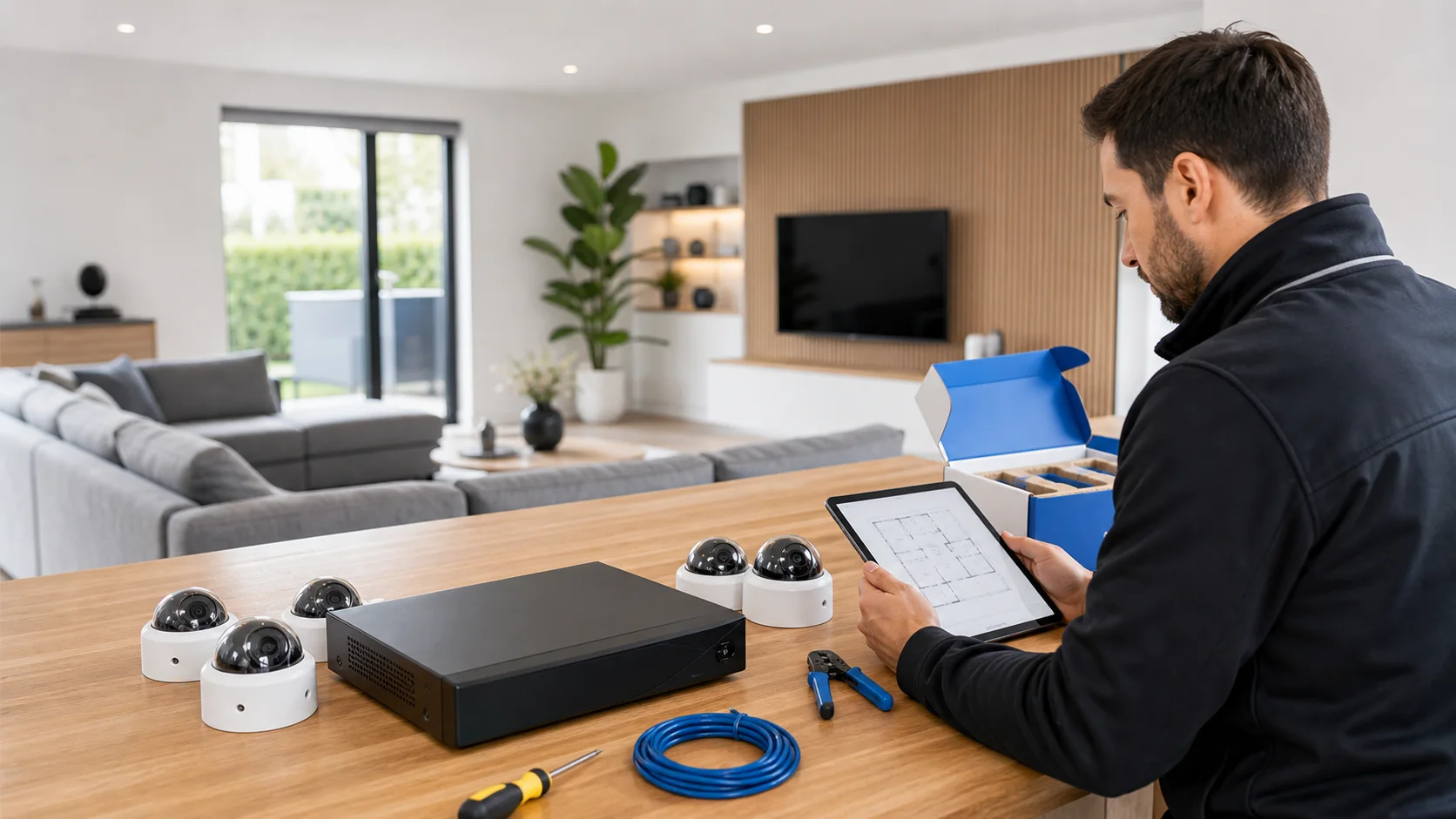
A floor plan with doors and cable routes, photos of the desired positions and the distance to the recorder make an installation proposal concrete. Also indicate whether the images should be available only locally or on a phone. For an apartment, we arrange access with residents. Start with the users and their tasks. Make a distinction between viewing, operating, and managing. Document the starting situation, modify with focus, and test with a regular user. Indicate during the handover which settings can be independently adjusted and when technical advice is needed. Explain Coordination with the landlord or VvE and reuse of wiring in advance. Send photos of the equipment and connections without showing access codes.

05

Decisions before adjust settings

A camera positioned high below the roof edge provides an overview; for facial detail, a lower, more focused position is often needed. Expanding a set requires free recording channels and sufficient storage and network capacity. We document the existing configuration and test the change with the user. The choice must suit this situation: The own front door and shared entrance have different responsibilities. You can use the agreed features with appropriate access rights.

06

How we check camera system

Compare live image with a saved fragment of the same action. Test the darkest zone separately from the image in daylight. Check who can view images and who can change settings. You can use the agreed features with appropriate access rights. At an apartment, we check the result with residents and confirm how The solution must not disturb other residents. We record which functions were tested and any remaining limitations.

Our process

From planning to a working handover.

  1. 1

    Assess

    Coordination with the landlord or VvE and reuse of wiring

  2. 2

    Carry out

    We document the existing configuration and test the change with the user.

  3. 3

    Hand over

    You can use the agreed features with appropriate access rights.

Clear answers

Frequently asked questions

What should I provide for camera system at an apartment?

A floor plan with doors and cable routes, photos of the desired positions and the distance to the recorder make an installation proposal concrete. Also indicate whether the images should be available only locally or on a phone. Tell us that your request concerns adjust settings at an apartment. This helps the technician decide what else is needed before an appointment and proposal.

How do you assess adjust settings?

The most important choice is not the brand, but which detail per zone must be demonstrably visible. We assess the equipment already in place, record any issues and discuss additional work before carrying it out.

Can existing equipment continue to work with adjust settings?

A camera positioned high below the roof edge provides an overview; for facial detail, a lower, more focused position is often needed. We check each component. Send the model details and a description of the existing connection; without these we cannot establish compatibility or the scope of work.

When is the work at an apartment complete?

Installation, cabling, configuration, app, test recording and explanation are included in the same delivery. We also confirm that The solution must not disturb other residents. You receive an explanation of the tested functions and any limitations. We discuss additional repairs separately.

AddedView →