
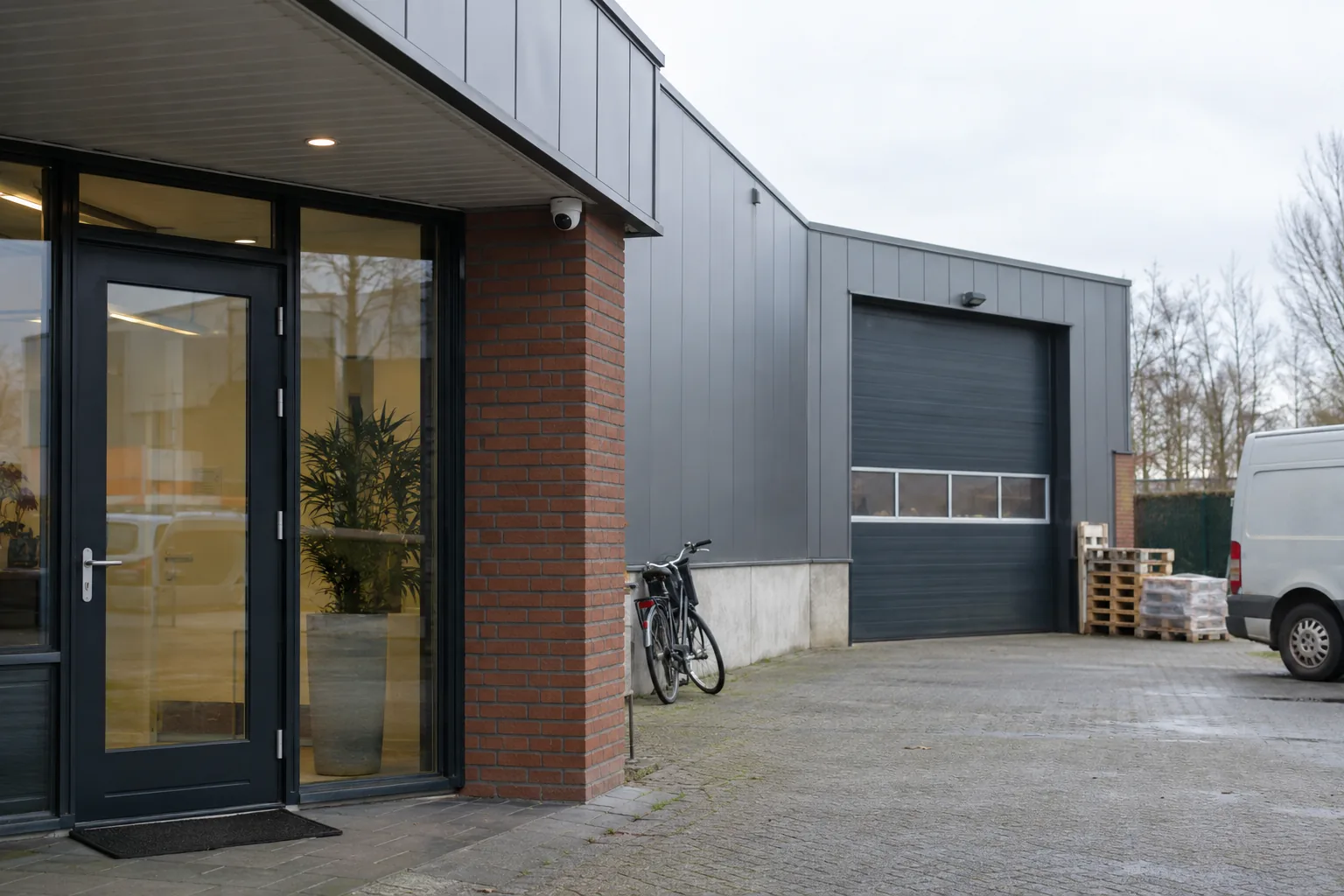
Intercom installation for businesses

Intercom and doorbell

Intercom installation for businesses

Have an intercom installed at your business: call groups, several tenants, delivery door, gate and access by tag or code, matched to your opening hours.

IP Camera Installatie: More than 2,000 businesses helped. View our projects · Read customer reviews

Fixed price in advance Installation on site Prefer to talk first? 085 - 02 12 771 WhatsApp
Intercom installation for businesses
Home›Services›Intercom installation for businesses

What is included

Letting visitors and deliveries in without anyone having to run

At a business someone different rings the bell every day. A courier, a job applicant, the lift engineer. Reception is not always staffed and nobody at the back of the hall hears the bell. A business intercom therefore has to make clear who is ringing, at which door and who may open. We design that around your working day.

  • Calls to several devices, in an order you choose yourself
  • Separate destinations for visitors, deliveries and staff
  • Existing cables and door openers measured before we quote
  • Entry by tag, code or app alongside the usual bell button
  • An agreement about who may open the door after closing time
01

Who hears the bell when the desk is empty

Start with the awkward moment of the day. Between twelve and one the receptionist is at lunch and a parcel courier is at the door. Let the call move on after a few seconds to the office or to a device in the warehouse. A fixed screen on the wall is reliable, because its battery never runs flat and nobody takes it home. An app on a work phone is pleasant for people who move around. By all means combine them. It must be clear who answers, though, or five phones ring at once and everyone thinks someone else will pick up.

02

One front door, several tenants

In a shared building every tenant wants their own name on the panel and no visitors for the neighbours. An outdoor station with a name list or separate buttons sends the call to the right floor. Discuss in advance whose system it is: the landlord, the manager or the tenants together. That determines who changes names and who reports faults. Do not choose a panel that needs a technician for every change. In a building with many short leases, a digital list is more convenient than engraved plates. Also consider the letterboxes and access for the postal worker.

03

Delivery door, gate and barrier

The lorry rarely stops at the main entrance. A second outdoor station at the gate or loading door prevents drivers from walking across the whole site. Height matters: a driver in a cab sits differently from a visitor on foot. For such a distance we look at the cable route, the power supply and whether there is a network point nearby. A gate also has its own control with safety devices. The intercom only gives it an instruction and does not replace that protection. We coordinate this with whoever maintains the gate.

04

Lock, power and the way out

The door opener you choose determines what happens when the power fails. One type stays locked, another releases. For an office door on an escape route that is no detail: anyone inside must be able to leave without a key or app. We therefore assess the lock, door and closer together and, in case of doubt, involve the person responsible for fire safety. A heavy glass door with a weak opener is a well-known source of complaints. The intercom then seems broken while the door simply sticks. Measuring and adjusting comes before replacing.

05

Tags, codes and departing colleagues

A shared door code goes round the whole building within a month. It is better to use personal tags or accounts so you can block one. Cleaning, maintenance and temporary staff get their own line in the overview with an end date. Management belongs with someone who also knows when a colleague leaves, usually HR or the office manager. Record which doors a tag opens. Not everyone needs access to the server room or the archive. If you want to keep track of who comes in and when, tell your staff beforehand why and how long you keep it.

06

Reusing an existing installation

Many offices still have a two-wire cable from an old house telephone. That is not necessarily lost. Some modern systems run on it perfectly well, others need network cable. We measure the length and quality and look in the distribution cabinet to see what is connected. After that you know whether a new outdoor station can work with the same wiring. If you want the intercom to call your telephone exchange, we check that both support the same standard. That is not something to take for granted. We plan the changeover for a moment when the entrance can do without a bell for a while.

Regional coverage

Intercom for your business in your area

We also travel throughout the Netherlands for an intercom for your business. Choose a city to see how we plan an installation there.

View service area →

Clear answers

Frequently asked questions

Can the intercom call several colleagues at once?

With many systems it can. We set up a group or an order, so a missed call moves on to the next. Too many devices at the same time works less well in practice.

Can a courier be let in outside opening hours?

Remote opening is possible with suitable systems. Think about whether someone is keeping an eye on things at that moment. A drop-off point in a locked porch is often more practical than the office door.

Does a business intercom work on our office network?

An IP model uses the network. We talk to your IT manager about a separate section, power over the network cable and access for the app.

Can we keep our current door opener?

That becomes clear after measuring the voltage, the type of lock and the condition of the door. A good opener stays in place, one that already sticks is better replaced straight away.

Can every tenant have their own bell and app?

Yes, with a system that supports several destinations. Each tenant then only sees their own calls, provided the rights are set that way.

AddedView →