
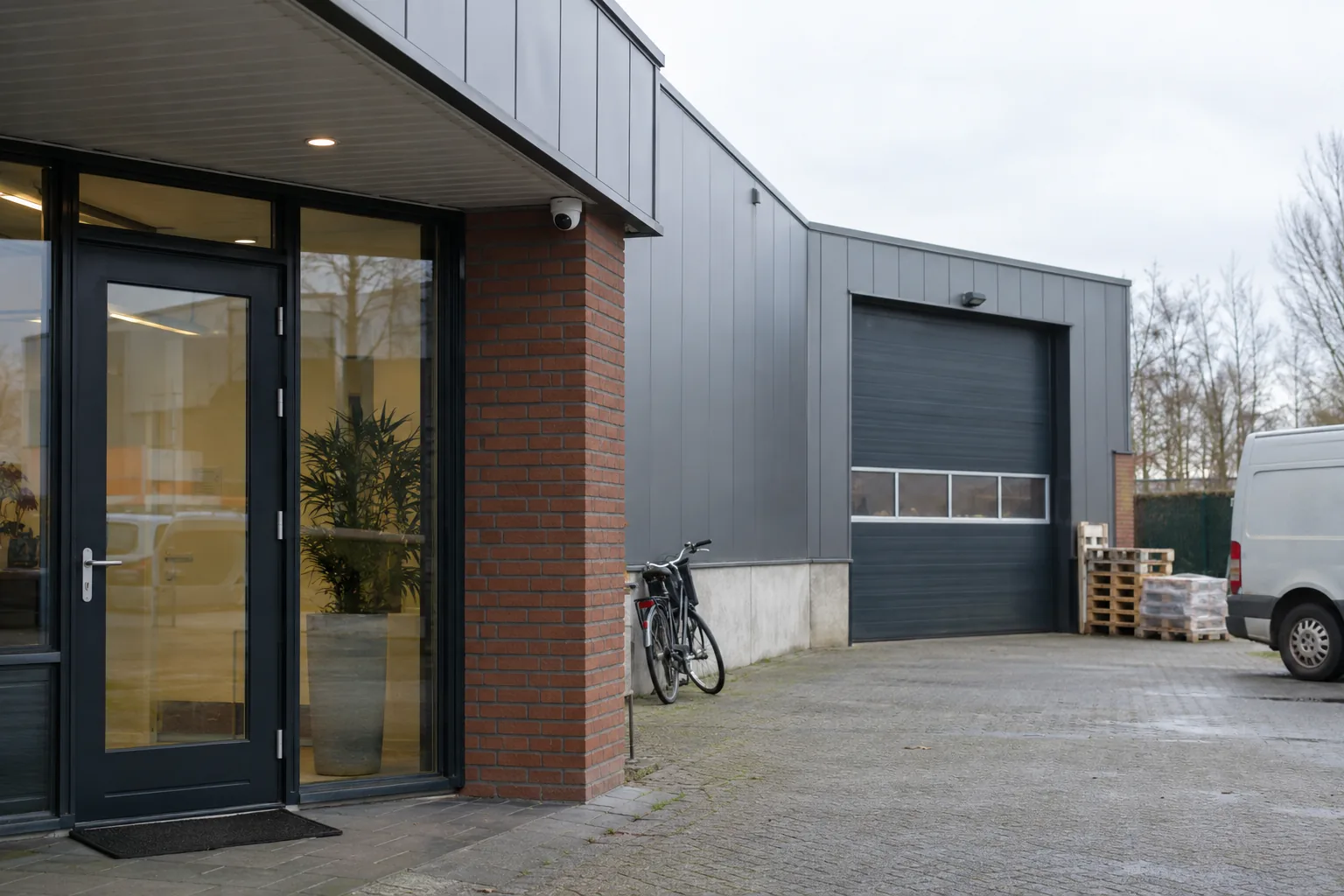
Camera security for GPs, dentists and pharmacies

By industry

Camera security for GPs, dentists and pharmacies

Camera security for a GP, dentist or pharmacy: entrance, medicine storage and back door in view, without treatment rooms and with care for confidentiality.

IP Camera Installatie: More than 2,000 businesses helped. View our projects · Read customer reviews

Fixed price in advance Installation on site Prefer to talk first? 085 - 02 12 771 WhatsApp
Camera security for GPs, dentists and pharmacies
Home›Services›Camera security for GPs, dentists and pharmacies

What is included

Working safely without filming patients where it does not belong

In a practice privacy is not a side issue. Anyone who walks in already reveals something about their health. There are still reasons for a camera: an aggressive visitor at the desk, a break-in at the medicine cabinet or someone hanging around the back door after closing. We look for the setup that solves this with as few images as possible.

  • Purpose of every camera written down before a hole is drilled
  • Treatment rooms, toilets and changing cubicles kept out of the plan
  • Viewing angle at the desk without screens, prescriptions or files in view
  • Sound recording switched off and playback limited to a few people
  • Storage in a locked place and a retention period you set yourselves
01

Start with the incident, not the camera

Ask the team what has happened recently. A short list usually emerges: a threatening patient at the assistant, an empty stock cupboard, bicycles that disappear. Then look at each point and ask whether another solution works better. A desk with a small door, an entrance lock, an alarm button under the top or a cabinet with a proper lock sometimes does more. If a point remains where images are needed, write down that purpose. That text also helps later with the privacy statement and with questions from patients who notice a camera.

02

Rooms where no camera goes

According to the Dutch data protection authority’s guidance, a camera in a treatment room goes too far, and the same applies to toilets. So we plan none there, not even on request. Think beyond the room itself: a camera in the corridor can look inside through an open door. We check that with the door open. For a dentist this also applies to the X-ray room and for a pharmacy to the consulting room. The waiting room is a doubtful case where people sit for a long time and recognise one another. The entrance is usually enough and a camera inside is not needed.

03

Desk and dispensing without looking along

At the desk people mention names, complaints and dates of birth. Aim a camera at the public area and the walking route, with the screen and papers out of view. We choose a viewpoint behind the visitor or from the side and place a black area over the worktop where needed. Sound stays off, because a recording of a conversation with a patient is another matter than a picture of a scuffle. In a pharmacy the dispensing counter also matters when there is a dispute about a box that was handed over. Consider whether you really want to solve that with images or with a signature.

04

Medicines, files and equipment

The rooms where patients do not come give the greatest gain. The stock room, the safe, the fridge with vaccines, the server cabinet and the staff entrance are clearly defined. A door contact that reports outside opening hours goes well with a single camera on the door. That way you record who goes in without colleagues being on screen all day. If staff are in the picture, you have to deal with the works council or staff representatives if you have them. Involve them early and let them see the image. A frame says more than a floor plan.

05

Who may watch recordings

Do not put the app on the whole team’s phones. Appoint two people, for example the practice owner and a deputy, and give each their own account. Record what counts as a reason to look and note when it happens. The recorder belongs in a locked cabinet and not under the desk. If we help remotely, we do so at your request and for a specific question. Make written agreements about that, as with other suppliers who can reach data. Keep images no longer than necessary and set automatic deletion.

06

After closing time

In the evening a practice is empty and the issue is break-in. Then the installation may work differently. Alarm detectors take over the rooms inside, cameras watch the door and the rear. If you share the building with a physiotherapist or a pharmacy, agree who arms which group and who gets called. Cleaners often work after six and need their own code. A time schedule that only records outside surgery hours also saves a lot of images of patients. For an entrance you share with residents above the practice we also consult the owners’ association.

Regional coverage

Healthcare practice camera security in your area

We also travel throughout the Netherlands for camera security for a healthcare practice. Choose a city to see how we plan an installation there.

View service area →

Clear answers

Frequently asked questions

May a camera hang in the waiting room?

Do not assume so. You need a good reason and must first see whether it can be done another way. A camera at the entrance often yields enough. Take advice from your privacy officer.

Do patients have to know there are cameras?

Yes. Put up a clear sign at the entrance and explain in your privacy statement why there are cameras, how long you keep images and who can view them.

Is a DPIA compulsory for a practice with cameras?

That depends on scale and risk, and with health data it comes up sooner. Ask your privacy officer or professional association before you have anything installed.

Can an alarm button be combined with cameras?

Yes, a button under the desk can send a message to colleagues. Whether a camera also records at that moment is set up as you agree.

As the installer, do you see our patients?

We work outside surgery hours as much as possible during installation. Remotely we only look along when you ask us to, and for a specific question.

AddedView →