
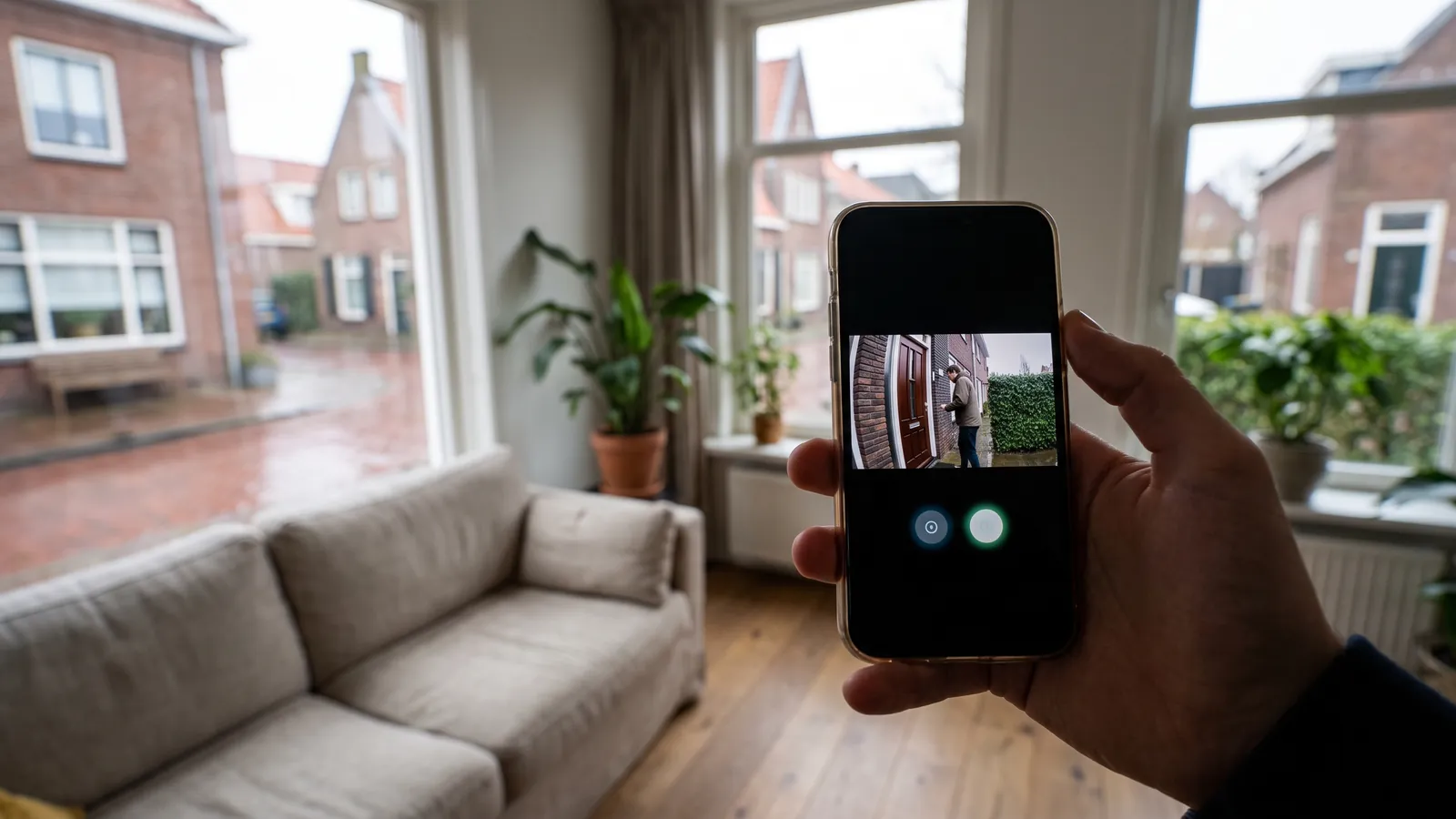
newly built house

intercom · newly built house

Video doorbell: adjust settings for a new construction home

Video doorbell: adjust settings for a new construction home. Adjust settings focuses on doorbell power supply, doorbell, connection to the door frame and.

IP Camera Installatie: More than 2,000 businesses helped. View our projects · Read customer reviews

Fixed price in advance Our own technicians 085 - 02 12 771
Video doorbell for a new construction home
Home›Solutions›Video doorbell›newly built house

Prepare the work

Adjust settings tailored to a new construction home

Adjust settings for a new construction home starts with the parts that need to change. A video doorbell combines ringing, live video, alerts and sometimes local or cloud storage in one front door position.

At a new construction home, visitors must reach the right person and only authorized users should unlock the door. We include call routing, door release and user access in the assessment and agree on the work with residents and contractor.

What we check and deliver

  • Press the doorbell outside and check both inside and on the phone.
  • Test the connection at the closed front door.
  • Check the viewing angle, notifications, and the selected storage function.
  • Use only a feed that is suitable according to the model documentation.
  • Agree on the work with residents and contractor.
01

Adjust settings at a new construction home

Set the cable routing and mounting points before the walls and ceilings are closed. Ask which facilities are already being installed by the contractor. Document who checks the conduits and when the end equipment can be installed without interfering with other work. For adjust settings, we first discuss call routing, door release and user access with residents and contractor. The desired control determines which settings are needed. A strong connection at the front door is more important for ease of use than the resolution on the box. We also consider how calls reach the right user and the door release has been tested together.

02

Which settings should be suitable for everyday use? · newly built house

Adjust settings focuses on doorbell power supply, doorbell, connection to the door frame and phone notifications. Start with the users and their tasks. Make a distinction between viewing, operating, and managing. Document the starting situation, modify with focus, and test with a regular user. Indicate during the handover which settings can be independently adjusted and when technical advice is needed. We complete the check against A call from outside that arrives audible and visible to the desired user..

03

Is its power supply and connection at the front door suitable?

Test the connection at the actual mounting location with the door closed. A router that is within good range indoors may provide insufficient connection outdoors. For wired mounting, the power requirements of the doorbell model and the existing doorbell are checked. Accu power has different consequences for use and maintenance. Wifi or UTP, call transmission or PoE, viewing angle, night vision and reporting rights are pre-configured. For a new construction home, we assess call routing, door release and user access. The key question at this stage is: Which settings should be suitable for everyday use?

04

Preparing video doorbell

Mention the brand and model, the existing doorbell and any doorbell transformer. A photo of the door frame shows how much space there is and whether a corner support may be needed. For a new construction home, we arrange access with residents and contractor. Start with the users and their tasks. Make a distinction between viewing, operating, and managing. Document the starting situation, modify with focus, and test with a regular user. Indicate during the handover which settings can be independently adjusted and when technical advice is needed. Explain call routing, door release and user access in advance. Send photos of the equipment and connections without showing access codes.

05

Decisions before adjust settings

Use only a feed that is suitable according to the model documentation. Note separately whether a memory card, base station or external service is needed for storage. We document the existing configuration and test the change with the user. The choice must suit this situation: At a new construction home, visitors must reach the right person and only authorized users should unlock the door. You can use the agreed features with appropriate access rights.

06

How we check video doorbell

Press the doorbell outside and check both inside and on the phone. Test the connection at the closed front door. Check the viewing angle, notifications, and the selected storage function. You can use the agreed features with appropriate access rights. At a new construction home, we check the result with residents and contractor and confirm how calls reach the right user and the door release has been tested together. We record which functions were tested and any remaining limitations.

Our process

From planning to a working handover.

  1. 1

    Assess

    call routing, door release and user access

  2. 2

    Carry out

    We document the existing configuration and test the change with the user.

  3. 3

    Hand over

    You can use the agreed features with appropriate access rights.

Clear answers

Frequently asked questions

What should I provide for video doorbell at a new construction home?

Mention the brand and model, the existing doorbell and any doorbell transformer. A photo of the door frame shows how much space there is and whether a corner support may be needed. Tell us that your request concerns adjust settings at a new construction home. This helps the technician decide what else is needed before an appointment and proposal.

How do you assess adjust settings?

A strong connection at the front door is more important for ease of use than the resolution on the box. We assess the equipment already in place, record any issues and discuss additional work before carrying it out.

Can existing equipment continue to work with adjust settings?

Use only a feed that is suitable according to the model documentation. We check each component. Send the model details and a description of the existing connection; without these we cannot establish compatibility or the scope of work.

When is the work at a new construction home complete?

After assembly, live conversation, recording, notification and shared access on the selected phones work. We also confirm that calls reach the right user and the door release has been tested together. You receive an explanation of the tested functions and any limitations. We discuss additional repairs separately.

AddedView →