
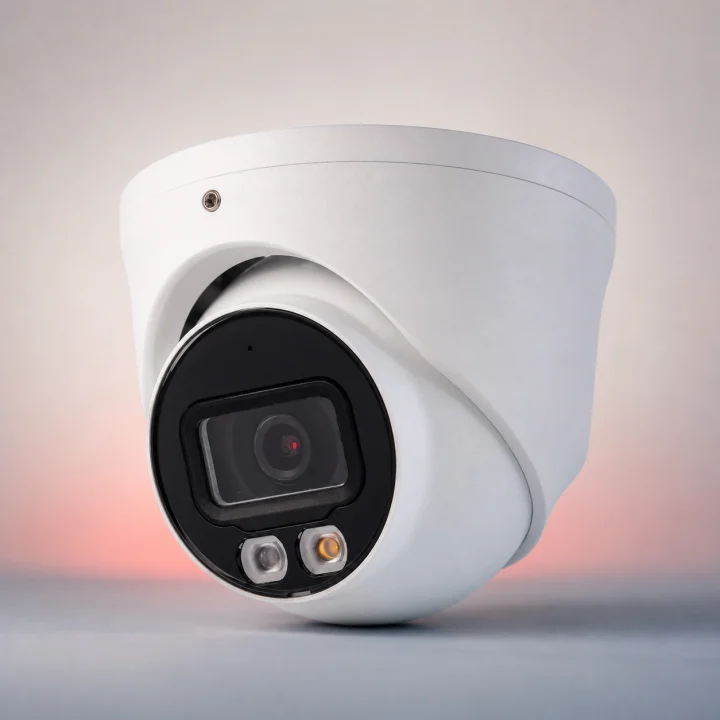
Company premises

temporarily · Company premises

Rent security camera: manage the system temporarily for a business premises

Rent security camera: manage the system temporarily for a business premises. Manage the system temporarily focuses on rental period, temporary assembly.

IP Camera Installatie: More than 2,000 businesses helped. View our projects · Read customer reviews

Fixed price in advance Our own technicians 085 - 02 12 771
Rent security camera for a business premises
Home›Solutions›Rent security camera›Company premises

Prepare the work

Manage the system temporarily tailored to a business premises

Manage the system temporarily for a business premises starts with the parts that need to change. Hiring a security camera provides temporary coverage including equipment, installation and removal after the agreed period.

Perimeter, gates and multiple buildings require reach over a large distance. We include night view, license plate zones and connection between buildings in the assessment and agree on the work with Land management and security.

What we check and deliver

  • Test the image from the agreed temporary position.
  • Check connection and recording during use.
  • Record placement, possible relocation and disassembly.
  • A rental offer is only comparable if installation, connection and return are clearly described.
  • Agree on the work with Land management and security.
01

Manage the system temporarily at a business premises

Record gates and connections between buildings separately. Describe where power supply and network are actually available. Plan the control around vehicle movements and coordinate who makes terrain components accessible that are normally closed. For manage the system temporarily, we first discuss night view, license plate zones and connection between buildings with Land management and security. Management keeps connection, camera status, users and tracking agreements up to date. The rental price is only comparable when dates, installation, management and dismantling are clearly included. We also consider how Reports should be usable for tracking and not drown in noise.

02

Who keeps track of changes and access? · Company premises

Manage the system temporarily focuses on rental period, temporary assembly, connection and return. Make responsibilities explicit. Agree on who adds users, who reports outages, and who approves changes. Document requests and implemented modifications. Ongoing management only means the tasks that have been agreed upon; it is not automatic permanent human supervision. We complete the check against Monitoring of the agreed zones during the stipulated rental period.

03

For which period and for which events is supervision required?

Temporary rental begins with a start date, end date, and concrete visibility lines. Available power, connection, and secure placement determine the usability of the setup. Separate arrangements should be made for who receives notifications and what happens after a notification; a camera alone is not a monitoring service. Duration, risk window, nutrition, internet or 4G, recording and follow-up determine the temporary arrangement. For a business premises, we assess night view, license plate zones and connection between buildings. The key question at this stage is: Who keeps track of changes and access?

04

Preparing rent security camera

Send photos of the entrances, the desired period, and information about electricity and internet. Report whether the property changes during the rental period or if the equipment needs to be moved. For a business premises, we arrange access with Land management and security. Make responsibilities explicit. Agree on who adds users, who reports outages, and who approves changes. Document requests and implemented modifications. Ongoing management only means the tasks that have been agreed upon; it is not automatic permanent human supervision. Explain night view, license plate zones and connection between buildings in advance. Send photos of the equipment and connections without showing access codes.

05

Decisions before manage the system temporarily

A rental offer is only comparable if installation, connection and return are clearly described. A changed end date must be agreed upon before the original rental period expires. We monitor outages and changes without the project management team having to manage the technical aspects themselves. The choice must suit this situation: Perimeter, gates and multiple buildings require reach over a large distance. The temporary installation remains demonstrably available during the full risk period.

06

How we check rent security camera

Test the image from the agreed temporary position. Check connection and recording during use. Record placement, possible relocation and disassembly. The temporary installation remains demonstrably available during the full risk period. At a business premises, we check the result with Land management and security and confirm how Reports should be usable for tracking and not drown in noise. We record which functions were tested and any remaining limitations.

Our process

From planning to a working handover.

  1. 1

    Assess

    night view, license plate zones and connection between buildings

  2. 2

    Carry out

    We monitor outages and changes without the project management team having to manage the technical aspects themselves.

  3. 3

    Hand over

    The temporary installation remains demonstrably available during the full risk period.

Clear answers

Frequently asked questions

What should I provide for rent security camera at a business premises?

Send photos of the entrances, the desired period, and information about electricity and internet. Report whether the property changes during the rental period or if the equipment needs to be moved. Tell us that your request concerns manage the system temporarily at a business premises. This helps the technician decide what else is needed before an appointment and proposal.

How do you assess manage the system temporarily?

The rental price is only comparable when dates, installation, management and dismantling are clearly included. We assess the equipment already in place, record any issues and discuss additional work before carrying it out.

Can existing equipment continue to work with manage the system temporarily?

A rental offer is only comparable if installation, connection and return are clearly described. We check each component. Send the model details and a description of the existing connection; without these we cannot establish compatibility or the scope of work.

When is the work at a business premises complete?

The installation is put into use and then removed after being checked. We also confirm that Reports should be usable for tracking and not drown in noise. You receive an explanation of the tested functions and any limitations. We discuss additional repairs separately.

AddedView →